
For patients
Check your medication pack from your phone
Your pharmacy sends you a link before sealing each pack. Open it with your date of birth to see what’s in every bubble, confirm it, ask for a change or message the pharmacy. No app and no password.
How it works
- 1
Get a link from your pharmacy
Before sealing your pack, your pharmacy sends you a message with a link, from the messaging they already use.
Maple Street Pharmacy
Hi Margaret! We are currently working on your Bubble pack, press the link below to view and confirm your pack so we can start packing https://my.bubbletrack.app/p/554aa53…
- 2
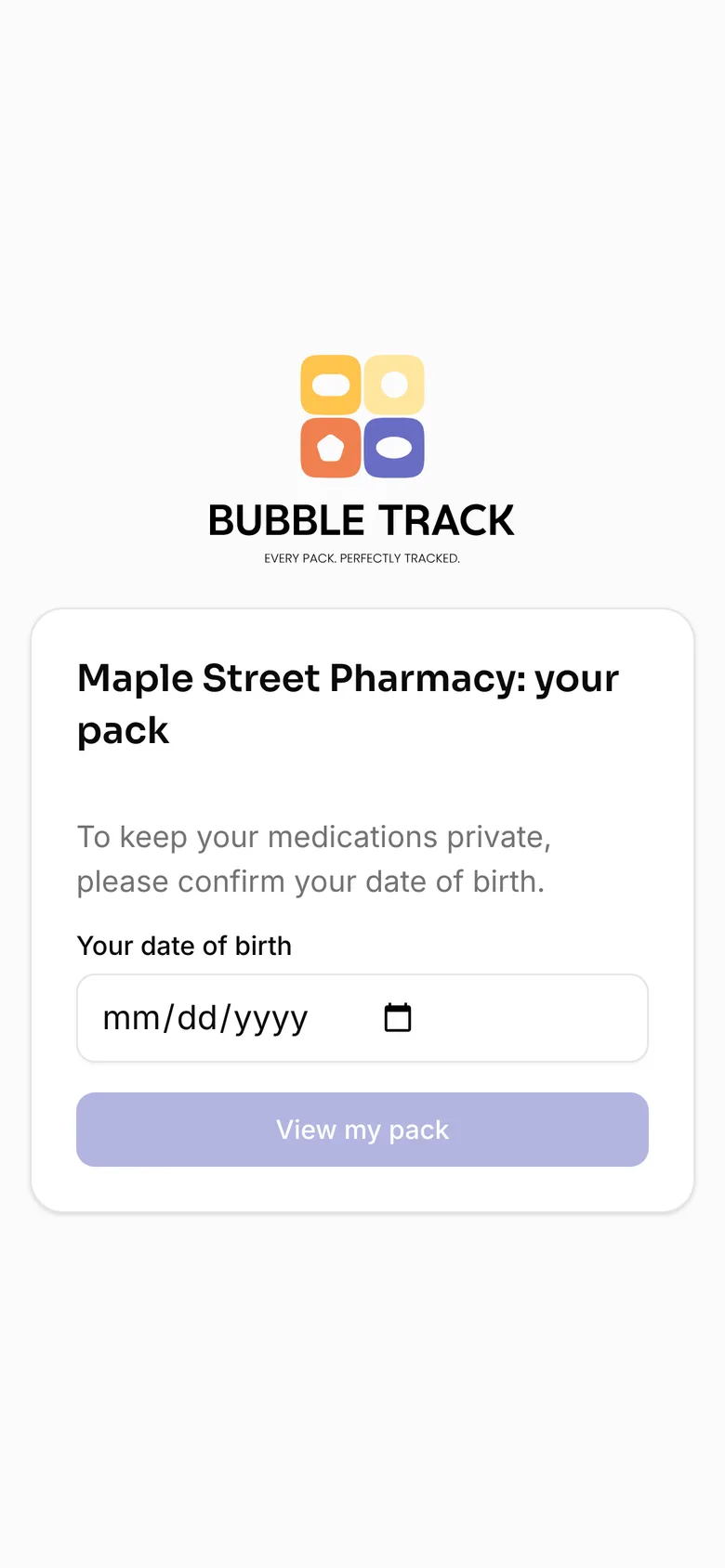
Type your date of birth
Open the link on any phone, tablet or computer. Your date of birth keeps your medications private.
- 3
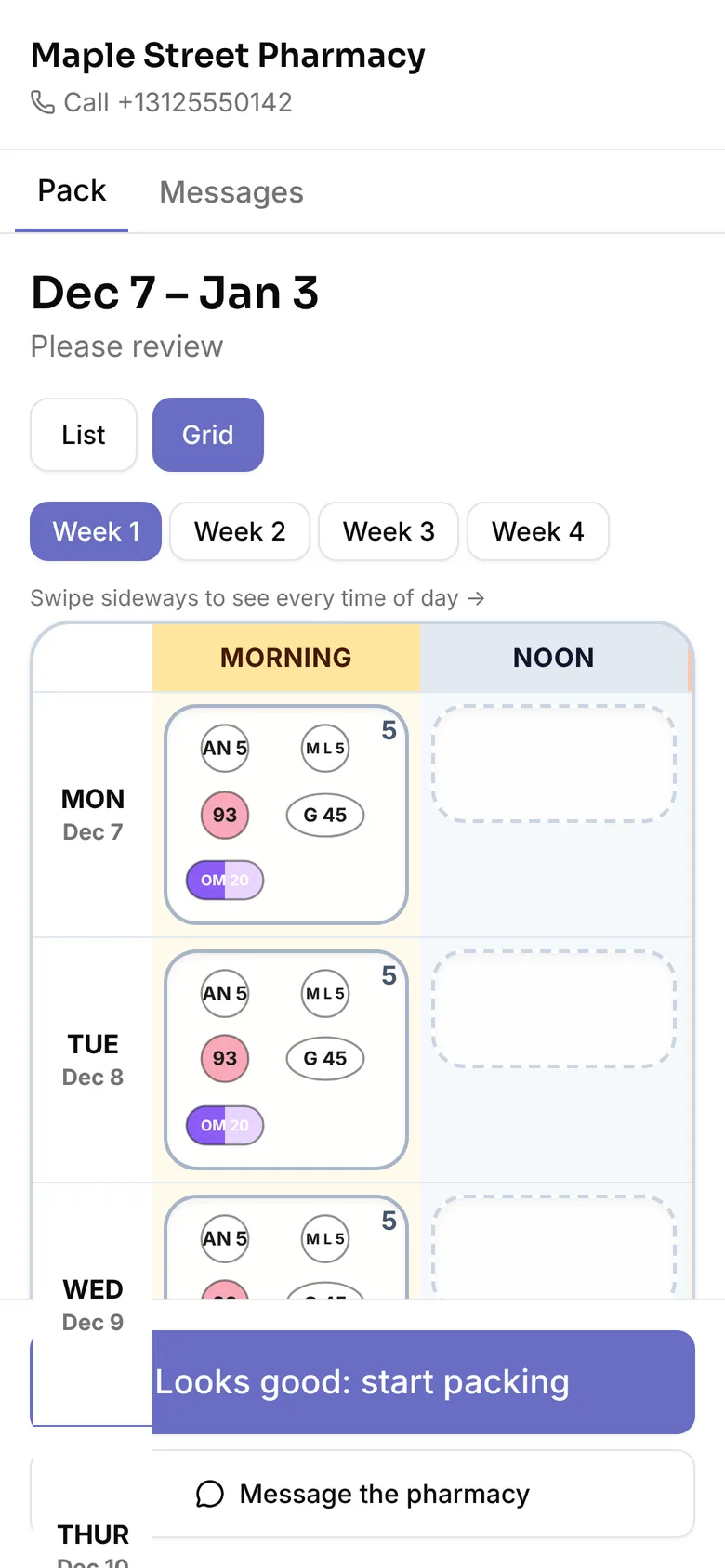
Check your pack and confirm
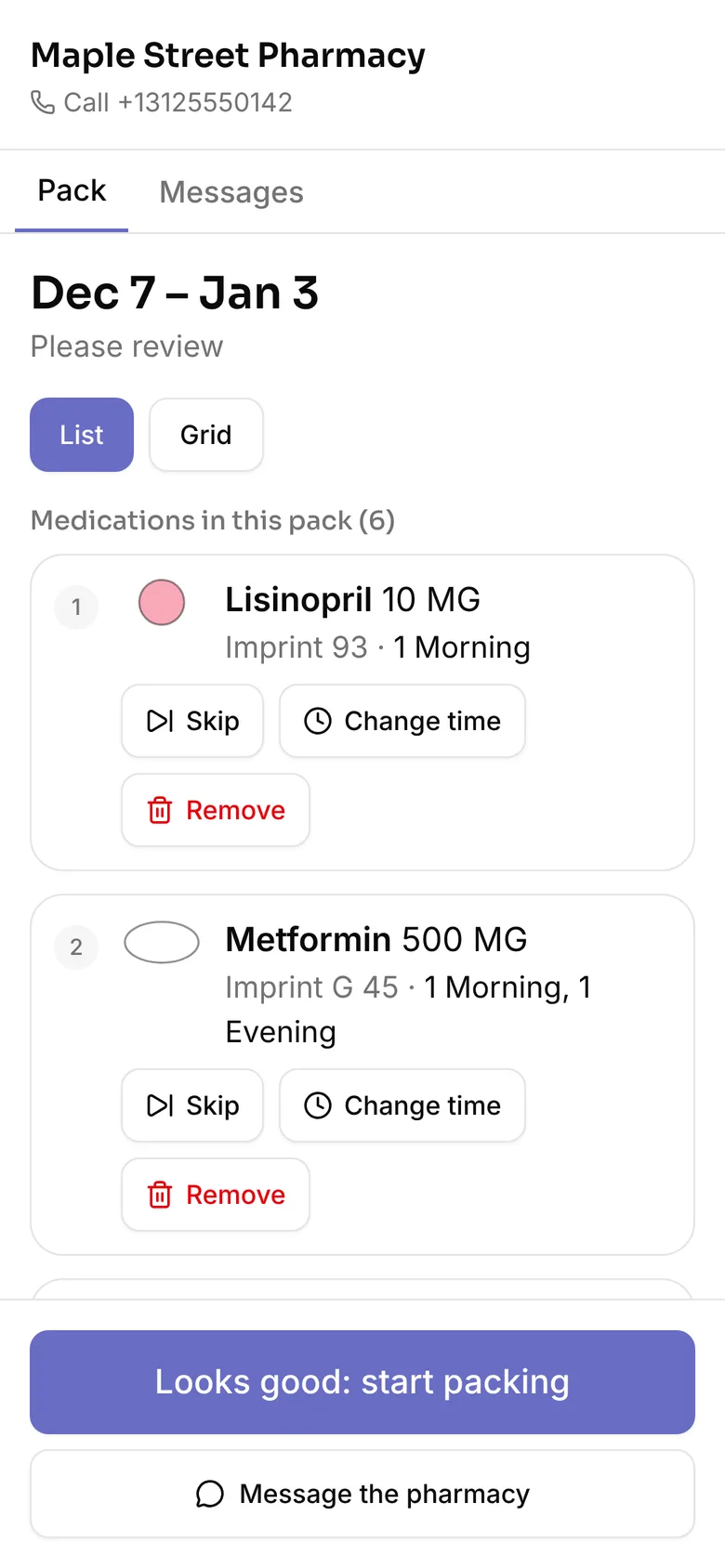
See every medication and when you take it. Tap Looks good, or ask to skip, change the time of or remove one.
This doesn’t replace advice from your pharmacist or doctor. For a medical emergency, call 911.
Questions
Why did I get a link?
Your pharmacy uses BubbleTrack to prepare your medication packs. They send you a link before sealing each pack so you can check what’s in it.
Do I need an app or a password?
No. Open the link on any phone, tablet or computer and type your date of birth. There is nothing to install and no account to make.
Why does it ask for my date of birth?
So only you can open your pack, even if someone else sees the message. After five wrong tries the link locks; call your pharmacy for a new one.
The link doesn’t work any more.
Each link works for 72 hours, and only the newest link for a pack works. Ask your pharmacy to send you a new one.
Something in my pack looks wrong.
Tap Skip, Change time or Remove on that medication, or message your pharmacy from the link. For anything urgent, call your pharmacy.
Will BubbleTrack text or call me?
No. Only your pharmacy sends you the link. BubbleTrack never texts, calls or emails patients.
Who can see my information?
Only your pharmacy’s staff and you. Your information is never sold or used for advertising.